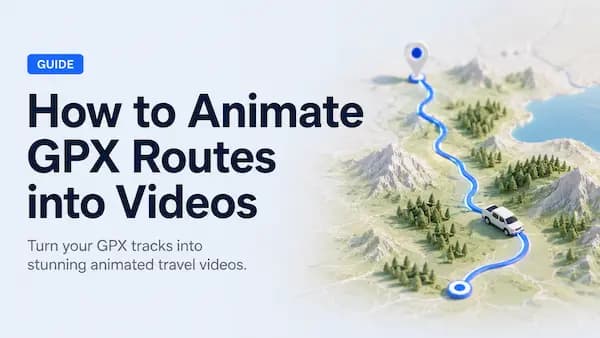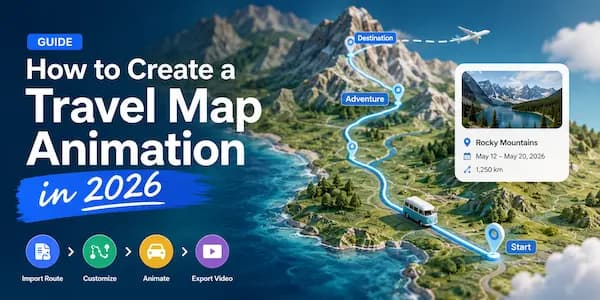
Turn a google maps route into a video
If you’ve ever manually set keyframes frame-by-frame in Premiere or After Effects to animate a map route, you know just how tedious it can be. To solve this, we (MapAnim) have launched a simple yet powerful feature: just paste a Google Maps link, and you can instantly generate a route animation with a 3D perspective.
4 Steps to Turn Your Google Maps Links into Animated Videos
1. Copy your Google Maps route link
2. Paste the link into MapAnim.com
Open MapAnim and paste your Google Maps route link.
MapAnim will help turn the route into an editable animated map project, so you do not need to draw the route again by hand.

3. Customize the animation
After the route is created, you can adjust the video style.
You can choose a map style, change the route line, add a vehicle, edit labels, add photos.

4. Export your video
When the animation looks good, export it as a video.
You can create vertical videos for TikTok, Instagram Reels, and YouTube Shorts, or horizontal videos for YouTube, blogs, and websites.

When Can You Use It?
MapAnim can be used in many travel and route-sharing scenes:
- Road trip recap videos
- Hiking or cycling route videos
- Vacation memories
- Travel vlog intros
- Social media travel clips
- Tour route previews
- Blog or website route videos
If a static map screenshot is not enough, an animated route video can make the trip easier to understand and more enjoyable to watch.
Start Creating with MapAnim
Ready to turn your Google Maps link into an animated route video?
Paste your route link into MapAnim, customize the animation, and export a video for your trip, vlog, or social post.
Create your route animation here: https://mapanim.com